Open Source Software (OSS)
Software whose source code is made available to the public for inspection, modification, and redistribution. The core principle is collaboration and community contribution.
Software as a Service (SaaS)
A software distribution model where applications are hosted by a third-party provider and accessed via the internet. Users pay a subscription fee, usually monthly or annually, rather than buying a license outright.
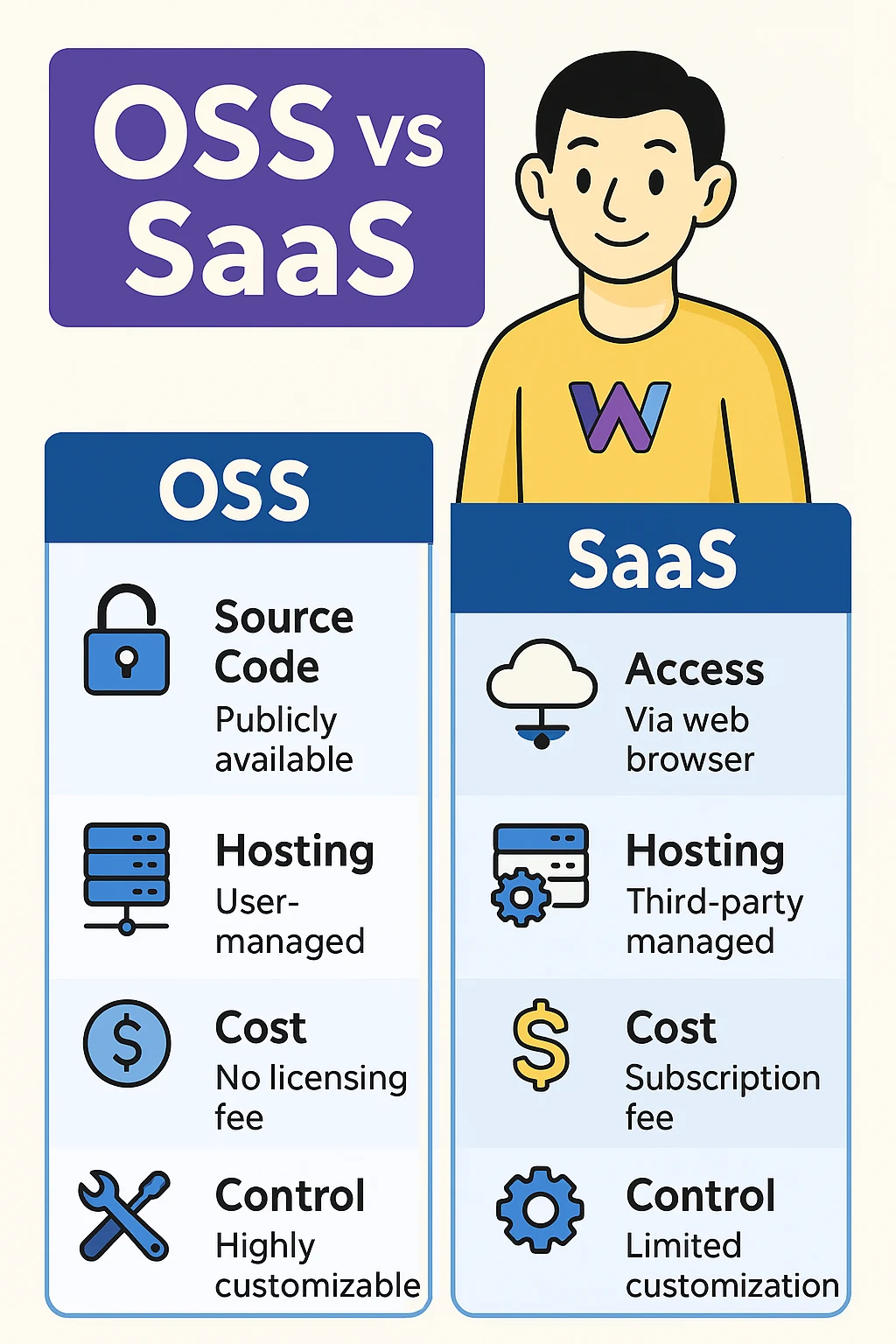
A structured look at key differences between OSS and SaaS, organized by feature.
| Feature | Open Source Software (OSS) | Software as a Service (SaaS) |
|---|---|---|
| Code Accessibility | The source code is freely available for inspection, modification, and redistribution by anyone. | The software is proprietary; the vendor owns the code and grants users access to the application via the cloud, but not the underlying code. |
| Control | High control; users can fully customize the software and manage their own infrastructure (on-premises or hybrid). | Low control; users can configure settings and manage some aspects of the application but do not control the underlying infrastructure or code. |
| Installation & Deployment | Requires manual installation, configuration, and maintenance on individual servers/computers. | Requires no installation; users simply log in to the provider's website. Deployment is handled entirely by the vendor. |
| Updates & Patches | Regular software improvements, including updates and patches, are frequently driven by contributions from independent developers within an open developer community. | All updates, patches, and version upgrades are managed entirely by the SaaS vendor for all users. |
| Cost Structure | May be free or require a one-time or subscription license; however, the main costs usually come from human effort customization, development, community or vendor support, and infrastructure/hosting. | Explicit, recurring financial commitment via a subscription model (e.g., per user per month, based on usage metrics). |
| Customization | Highly customizable by modifying the source code. This requires developer expertise and can be complex. | Limited customization; can be adjusted using the vendor's offered configuration settings, forms, workflows, and modules. |
| Security | Security is a shared responsibility. The user secures their own system, and the community helps identify vulnerabilities. | The vendor has primary responsibility for infrastructure security, patching, and compliance. Users only secure their own accounts and data. |
| Data Ownership | Users typically retain full ownership of any data they generate or store within open-source software. It resides on their own systems or in their controlled repositories. | Data ownership is usually defined in the Terms of Service with the SaaS provider. Users grant the provider permission to store and use the data, but they do not own it outright. |
A list of common OSS vs SaaS tools.
| Category | OSS | SaaS |
|---|---|---|
| CMS | WordPress | SharePoint Online |
| Online Surveys | LimeSurvey | SurveyMonkey |
| Ecommerce | WooCommerce | Shopify |
| Project Management | OpenProject | Asana |
| Issue Tracking | Redmine | Jira Cloud |
| Code Hosting | GitLab Community Edition | GitHub Enterprise Cloud |
| File Storage | Nextcloud | Dropbox Business |
| Team Chat | Mattermost | Slack |
| Video Meetings | Jitsi Meet | Zoom |
| CRM | SuiteCRM | Salesforce Sales Cloud |
| ERP | ERPNext | Oracle NetSuite |
| Help Desk | osTicket | Zendesk |
| Marketing Automation | Mautic | HubSpot Marketing Hub |
| Analytics | Matomo | Google Analytics |
| Knowledge Base | MediaWiki | Confluence Cloud |
| LMS | Moodle | Canvas LMS |
| Password Manager | Bitwarden (self-hosted) | 1Password Business |
| Monitoring | Zabbix | Datadog |
| Logging | Graylog | Splunk Cloud |
| Mind Mapping | Freeplane | Miro |